Multi Generation Family Photos
Upload photos of family members - grandparents, parents, children
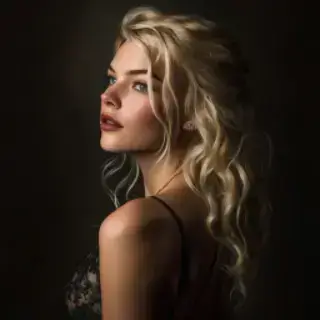
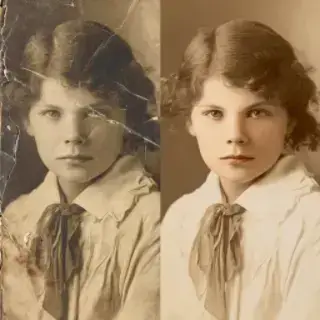
Examples of created images
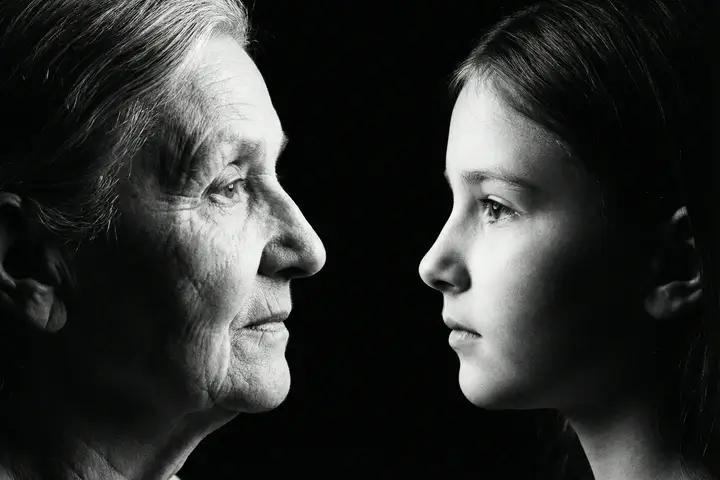
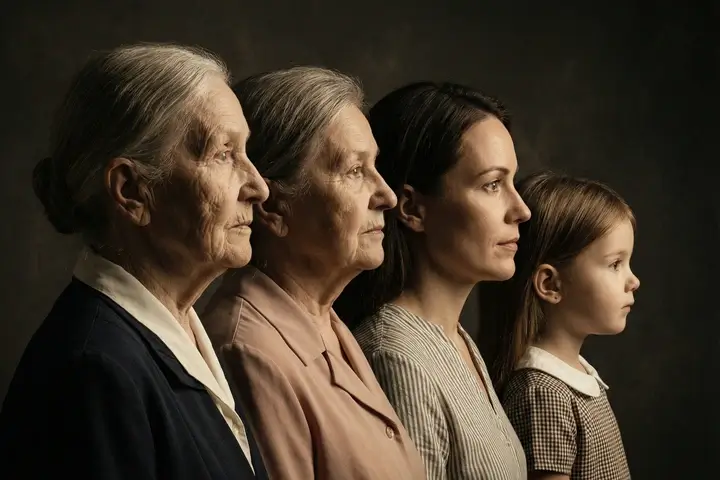
Create Generational Family Portraits with AI
Create multi generation family photos free with AI. Upload photos of grandparents, parents and children — get a dramatic generational family portrait. Profile views on dark background, artistic compositions. Free multigenerational family pictures online.
Multi Generation Family Photos — Capture Your Family Legacy
Our free multi generation family photo maker creates dramatic portraits showing your family across generations. Upload photos of grandparents, parents and children — the AI composes them into a single powerful image. The most popular style features profile views arranged from oldest to youngest on a dark background with cinematic lighting. Create a meaningful family keepsake that captures the resemblance and connection between generations without needing everyone in the same room at the same time.
Generational Family Portrait Styles
- Classic Profile on Dark Background — — dramatic side profile portraits of family members arranged from oldest to youngest with cinematic lighting on black background.
- Facing Composition — — family members looking at each other across generations, creating an emotional connection between past and present.
- Artistic & Vintage — — nostalgic sepia-toned or oil painting style generational family portraits inspired by classic family photography.
- Modern Collage — — contemporary multi generation family photos with clean lines, modern layout and design elements.
- Circle Composition — — family members arranged in a circular pattern symbolizing the cycle of generations and family unity.
How to Create Multi Generation Family Photos
- Upload photos of family members from different generations — 2 to 5 photos of grandparents, parents and children.
- Choose a composition style — classic profile, facing, artistic, modern or circle arrangement.
- The AI analyzes each face and creates a unified multigenerational family portrait.
- Download your generational family photo in high quality — ready for printing or sharing.
Why Multi Generation Family Portraits Matter
A multi generation family photo captures something no single portrait can — the visual story of your family across time. These portraits show the resemblance between grandparents and grandchildren, the family features passed down through generations. Traditional multi generation photos require getting everyone together for a professional shoot. With AI you can combine photos taken at different times and places into one dramatic composition — even including family members who are no longer with us.
FAQ
How many generations can I include?
You can upload 2 to 5 photos representing different generations. The most popular compositions include 3 generations — grandparent, parent and child.
Can I use old photos of family members?
Yes. The AI works with photos from any era — old black-and-white prints, vintage color photos and modern smartphone images. It harmonizes them into a unified composition.
Do all family members need to be photographed together?
No. Upload separate photos of each family member taken at different times. The AI combines them into a single multi generation family portrait.
What photos work best for generational portraits?
Clear face photos with good lighting work best. Side profiles or three-quarter views create the most dramatic results for classic generation portrait compositions.
See Also
- AI baby generator — predict your future child
- AI photoshoot — professional portraits
- Enhance old photo quality with AI
- All AI Image Tools

Not enough energy 😕
You need to top up your balance.







To keep generation costs low, we automatically delete old content. Make sure to save your generated content to avoid losing it