Photo Colorizer
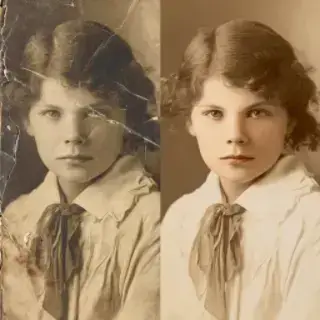
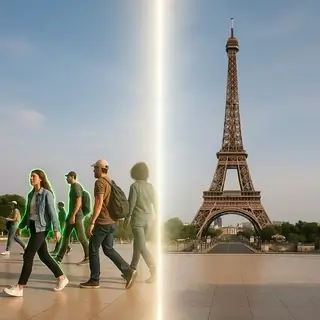
Examples of created images
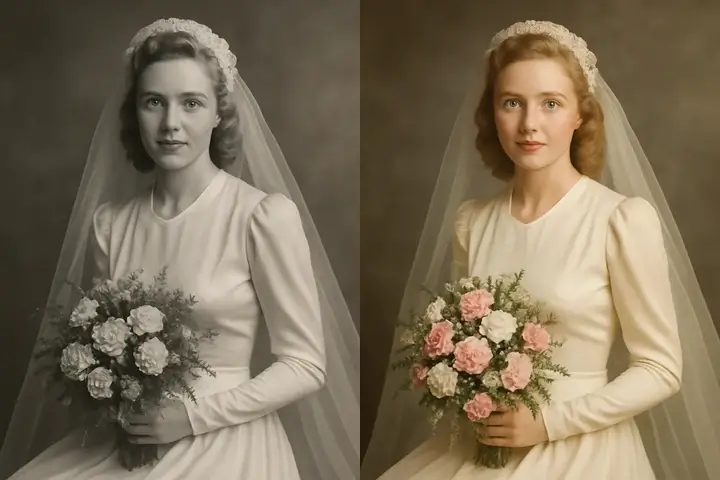
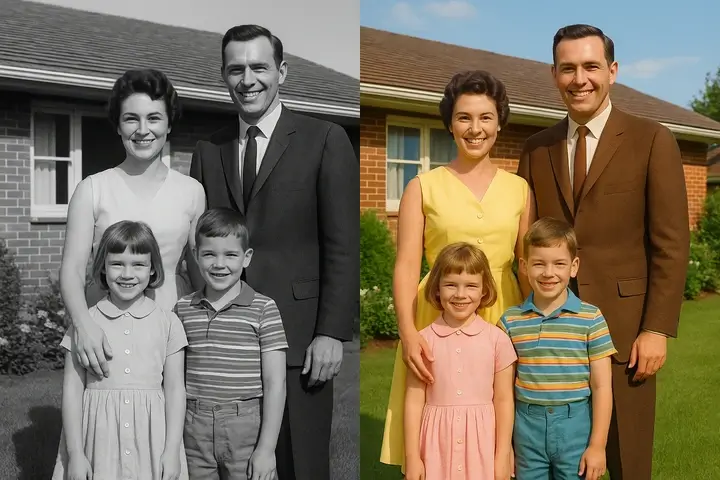

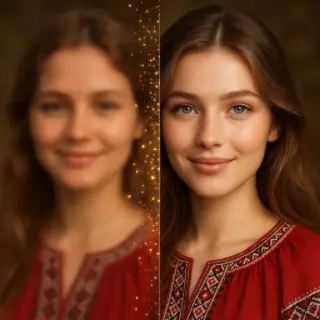
Colorize Black and White Photos — Add Color to Old Photos
Free AI photo colorizer online. Colorize black and white photos, old pictures, and family portraits in seconds. Add realistic color to any photo — no registration required.
Free Photo Colorizer Online
This free AI photo colorizer automatically adds realistic color to any black and white photo — in seconds, with no manual work required. Upload a black and white photo and the AI analyzes the content, identifies objects, faces, skin tones, clothing, and environments, then applies historically accurate and visually convincing colors. Works on old family portraits, historical photographs, vintage pictures, and any other black and white image. Download the colorized photo in high quality, completely free without registration.
How to Colorize Black and White Photos
- Upload your black and white photo — any format, any age, any quality.
- The AI automatically analyzes the image and identifies faces, objects, clothing, and backgrounds.
- Realistic colors are applied in seconds — skin tones, fabric colors, sky, vegetation, and more.
- Download your colorized photo in high resolution.
What You Can Colorize
- Old Family Photos — Give new life to grandparents' wedding photos, childhood pictures, and family portraits from decades past — see your family history in color for the first time.
- Historical Photographs — Colorize historical photos from World War I and II, the 1920s-1950s, and any other era — see history come alive with realistic color.
- Vintage Portraits — Transform formal black and white studio portraits into vibrant color images that reveal clothing colors, eye color, and the full personality of the subject.
- Old Newspaper and Archive Photos — Colorize archival, press, and documentary photographs to bring historical moments to life in modern color.
- Any Black and White Image — The AI photo colorizer works on any black and white image regardless of age, subject, or quality — portraits, landscapes, street scenes, and more.
AI-Powered Photo Colorization
The AI colorizes black and white photos by recognizing subjects, estimating their natural colors, and applying them with realistic shading and texture. Unlike manual colorization in Photoshop which requires hours of expert work, the AI completes the entire process in seconds. The result is a convincing color version of your photo that respects natural skin tones, clothing patterns, and environmental colors. The AI has learned from millions of color images to make accurate color predictions for common subjects — making it particularly effective on portraits and everyday scenes.
Photo Colorizer FAQ
Is the photo colorizer free?
Yes, the photo colorizer is completely free to use without registration. Upload your black and white photo and download the colorized version at no cost.
How accurate is AI photo colorization?
The AI produces convincing and realistic colors based on learned patterns — skin tones, natural environments, and common objects are colorized with high accuracy. For unusual or ambiguous subjects, colors may vary from the original.
Can I colorize very old or damaged photos?
Yes. The photo colorizer works on old, faded, and damaged photographs. For best results, use the highest quality scan or photo you have available. You can also use the photo restoration tool to repair damage before colorizing.
Can I colorize historical photos?
Yes. The AI colorizer works excellently on historical photographs from any era — World War photos, 1920s portraits, Victorian-era images, and any other historical black and white photograph.
Does it work on British spelling — colourise photos?
Yes, whether you spell it colorize or colourise, this is the same tool — it automatically adds color to any black and white photo online for free.
See Also
- Enhance photo quality with AI
- Animate old photo — bring vintage photos to life
- Increase photo resolution with AI upscaler
- All AI Image Tools

Not enough energy 😕
You need to top up your balance.







To keep generation costs low, we automatically delete old content. Make sure to save your generated content to avoid losing it