Photo Background Changer
Upload your photo and describe the new background you want
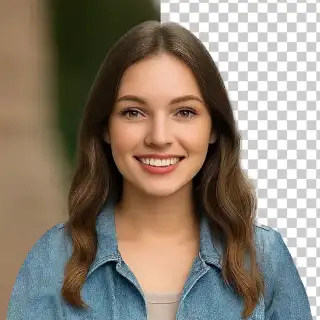

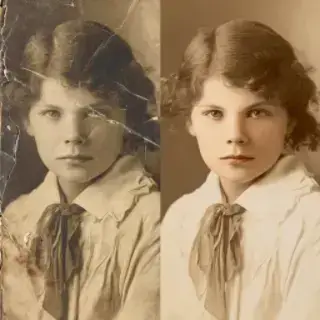
Examples of created images
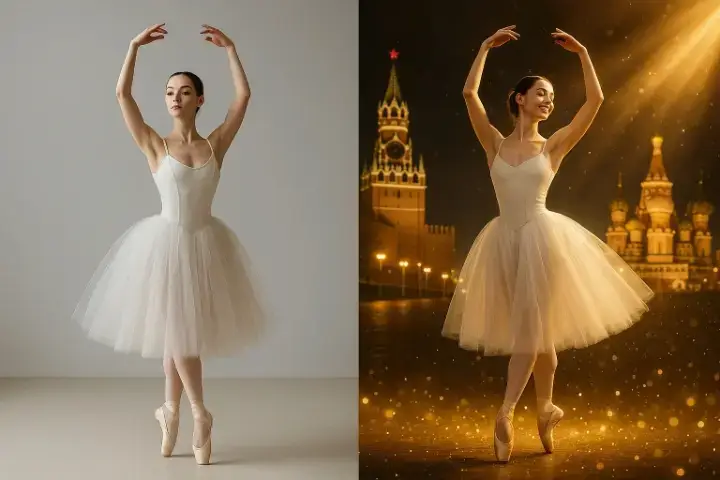
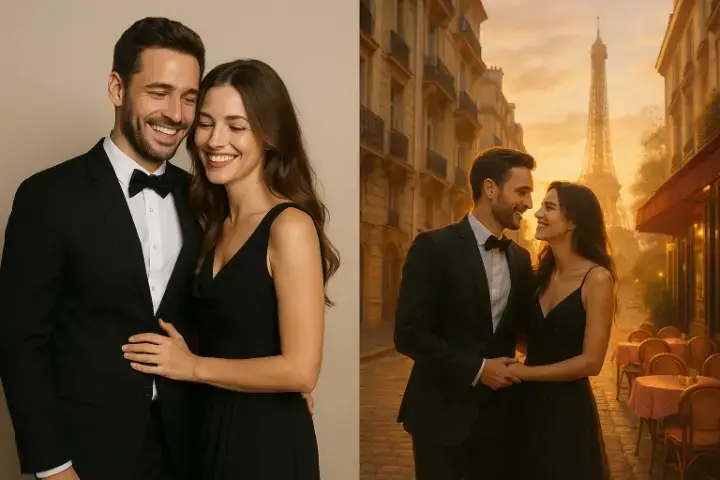
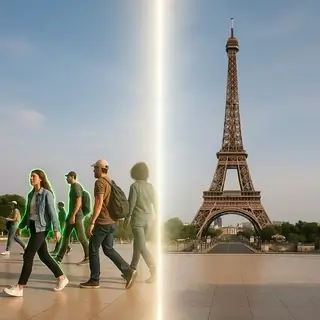
Change Photo Background Online Free with AI
Free AI photo background changer online. Change, replace, or add any background to your photo in seconds — no design skills needed. No registration required.
Photo Background Changer Features
- Replace Background with Any Scene — Describe the new background you want — a beach at sunset, a city skyline, a forest, a studio backdrop — and the AI replaces the original background with a realistic new scene.
- Change Background to White — Instantly change any photo background to a clean white background — perfect for ID photos, passport photos, LinkedIn headshots, and product listings.
- Change Background Color — Replace the background with any solid color — white, black, grey, blue, or any color you specify — for a clean, professional look.
- Add Background to Photo — Put any background behind your subject — place yourself on a beach, in an office, on a mountain, or in front of any location you describe.
- Free and No Registration — The photo background changer is completely free without an account — upload your photo and change the background instantly.
How to Change Photo Background Online
- Upload your photo — any portrait, selfie, or product photo works.
- Describe the new background: 'white background', 'tropical beach', 'modern office', 'dark studio', or any scene you want.
- The AI removes the original background and replaces it with the new one in seconds.
- Download your photo with the new background in high quality.
AI Background Changer — Replace Any Background
The AI photo background changer lets you swap the background of any photo with a completely different scene, color, or setting — in seconds. Unlike traditional photo editing that requires Photoshop skills and careful manual selection, this AI automatically detects the subject, removes the original background, and replaces it with exactly what you describe. Change a boring wall to a professional office for a business headshot, replace a cluttered room with a clean studio backdrop, put a product on a pure white background for e-commerce, or transport yourself to any location in the world — just describe the new background and the AI handles the rest.
Background Changer Use Cases
- Professional Headshots — Replace a distracting background with a clean office, studio, or neutral backdrop to create a professional-looking headshot or LinkedIn photo.
- ID and Passport Photos — Change any photo background to the required white or light blue background for ID documents, passports, and official applications.
- Product Photography — Place product photos on a white or branded background for e-commerce listings, catalogs, and marketing without a photo studio.
- Creative Portraits — Place yourself in any location — Paris, a tropical island, outer space, a fantasy world — without leaving home.
- Social Media Content — Create visually consistent social media photos with matching or branded backgrounds for your feed, stories, or profile.
Photo Background Changer FAQ
Is the photo background changer free?
Yes, the photo background changer is completely free to use without registration. Upload your photo, describe the new background, and download the result at no cost.
Can I change photo background to white?
Yes. Describe 'white background' in the prompt and the AI replaces the original background with a clean white background — perfect for ID photos, product listings, and professional headshots.
Can I add any background to my photo?
Yes. Describe any background you want — a location, a color, a setting, or a scene — and the AI composites your subject onto the new background with realistic lighting and perspective.
Does it work on mobile photos?
Yes. Upload photos taken on any device — iPhone, Android, or any camera. The AI works with any standard photo format.
How is this different from a background remover?
A background remover removes the background and leaves a transparent image. A background changer removes the background and replaces it with a new one — you get a complete photo with a new background, not just a cutout.
See Also

Not enough energy 😕
You need to top up your balance.







To keep generation costs low, we automatically delete old content. Make sure to save your generated content to avoid losing it