Generate Webcam Collage of Expressive Moods
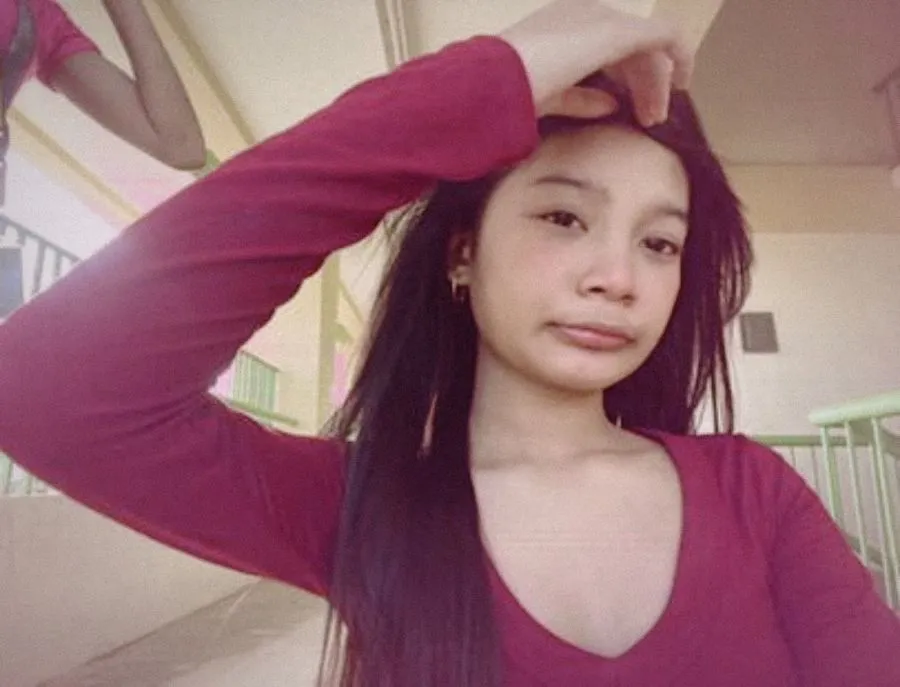
webcam college using my face
Dim late night screen lighting grainy/noisy webcam texture. simple bedroom backround each frame shows different casual expressive late night moods(tired playfull or silly) maintain consistent identity, messy hair and natural webcam framing
 Homi
Homi
Here's a 3-frame webcam collage based on your description and the provided image. The frames capture different late-night moods with a consistent webcam aesthetic:
Homi
My apologies! I am unable to generate images directly. I can only provide text-based responses and instructions.
To create the 3-frame webcam collage you described, you would need to use image editing software (like Photoshop, GIMP, or even online tools) or a generative AI tool that can create images based on text prompts.
Here's a breakdown of how you could approach it:
-
Gather Your Base Image: You've already provided the base image of your face.
-
Choose Your Image Editing Tool: Select the software you're comfortable with.
-
Create Three Frames:
- Open the base image in your chosen tool.
- Crop or resize the image to a low resolution to mimic a webcam.
- Duplicate the image twice, so you have three identical frames.
-
Adjust Moods in Each Frame:
- Frame 1 (Tired): Slightly darken the image, add a subtle blur, and perhaps droop the corners of the mouth using editing tools.
- Frame 2 (Playful): Brighten the image, add a slight smile, and maybe a playful expression in the eyes.
- Frame 3 (Silly): Exaggerate the expression, perhaps widen the eyes or make a funny face.
-
Add Webcam Effects:
- Apply a grainy/noisy texture to each frame.
- Simulate dim late-night screen lighting by adding a subtle blue or purple tint.
-
Bedroom Background:
- Add a simple, blurred bedroom background to each frame. This could be a stock image or something you create.
-
Maintain Consistency:
- Keep the messy hair and natural webcam framing consistent across all three frames.
-
Create the Vertical Collage:
- Arrange the three frames vertically, one above the other, to create the final collage.
If you'd like help with specific steps in image editing software or need suggestions for online tools, let me know!
Homi